Optimize your smart home energy workflow for efficiency
- 1 day ago
- 8 min read
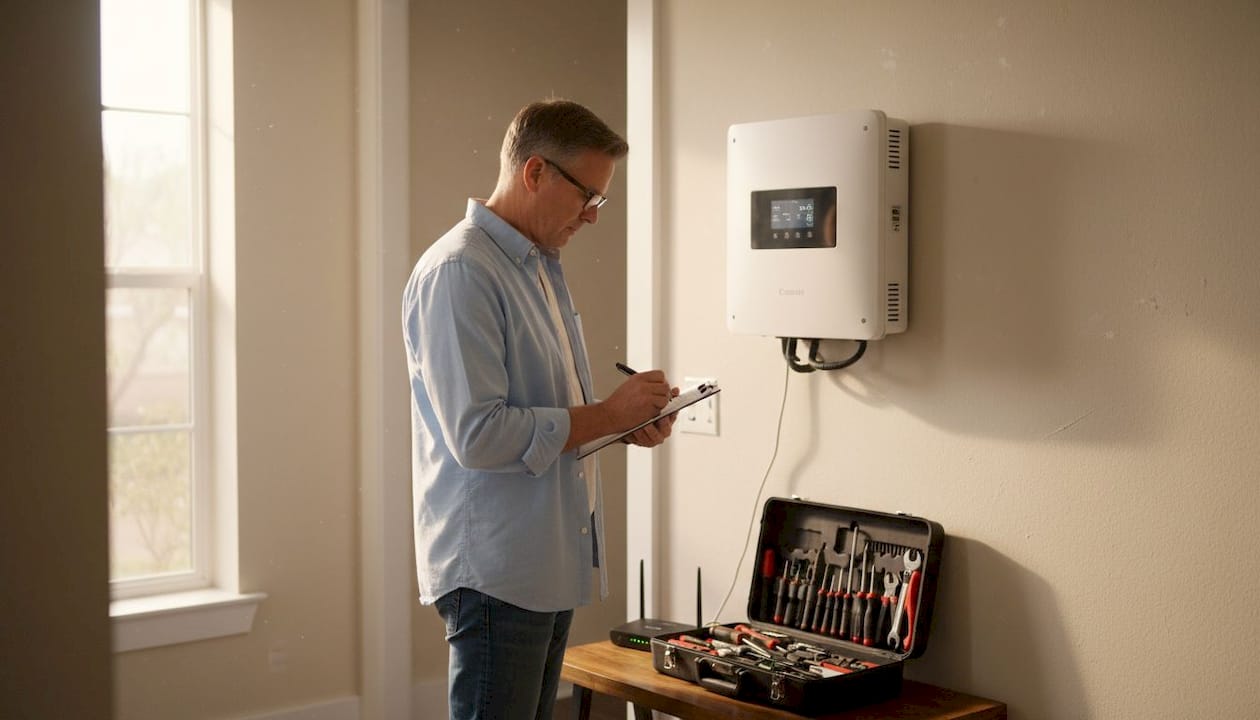
Managing solar panels, battery storage, and EV chargers separately drains time and money. Without a coordinated workflow, you miss peak savings opportunities and struggle with inefficient energy use. A smart home energy workflow synchronizes these systems automatically, cutting costs and simplifying daily operations. This guide walks you through preparing, executing, and verifying a workflow that maximizes your home’s energy efficiency while reducing grid dependence and utility bills.
Table of Contents
Key Takeaways
Point | Details |
Coordinated energy workflow | Synchronizing solar, storage, and EV charger reduces wasted energy and lowers utility bills. |
Device audit and compatibility | Document each device, verify communication protocols, and identify gaps to ensure seamless integration. |
Open standards adoption | Prioritize devices with open protocols like OCPP and SunSpec to future proof your system. |
Step by step execution | Follow a numbered sequence to connect, configure, and verify each component for optimal coordination. |
Plan and monitor energy flows | Map energy flows on paper and compare with real time production and consumption to optimize performance. |
Preparing your home for a smart energy workflow
Before launching your workflow, assess your current setup. Walk through your home and document every energy device: solar inverter model, battery capacity, EV charger type, and smart thermostats. Check each device’s communication protocol. Most modern systems use Wi-Fi, Zigbee, or Modbus, but older equipment may need adapters or replacement.
Next, identify gaps in compatibility. Your solar inverter must communicate with your battery storage, and both should connect to your EV charger. Proper planning and choosing compatible devices is crucial for workflow success. If your inverter lacks smart capabilities, consider upgrading to a model with built-in energy management or adding a third-party controller.
Create a detailed inventory table to track what you have and what you need:
Device Type | Current Model | Communication Protocol | Upgrade Needed |
Solar Inverter | [Your model] | Wi-Fi/Modbus/None | Yes/No |
Battery Storage | [Your model] | Wi-Fi/Modbus/None | Yes/No |
EV Charger | [Your model] | Wi-Fi/Zigbee/None | Yes/No |
Energy Monitor | [Your model] | Wi-Fi/None | Yes/No |
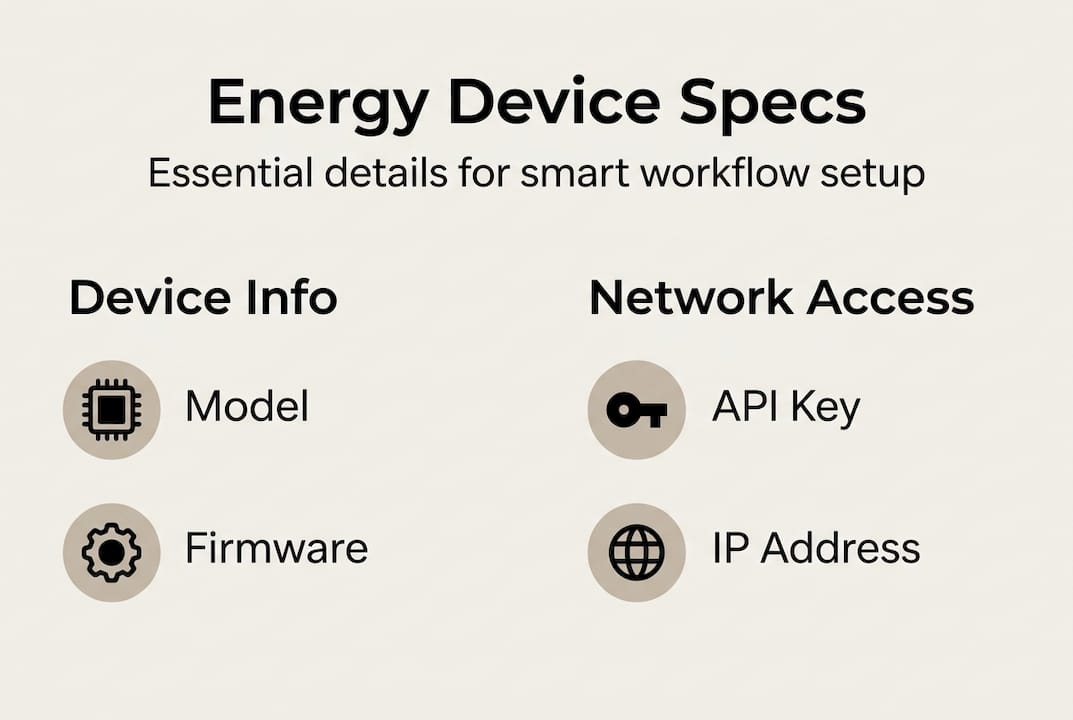
Gather technical specifications for each device. You’ll need IP addresses, API access credentials, and firmware versions. Most manufacturers provide mobile apps or web portals where you can find this information. Download user manuals and keep them accessible during setup.
Pro Tip: Prioritize devices with open standards like OCPP for EV chargers or SunSpec for solar inverters. These protocols ensure future compatibility and prevent vendor lock-in, giving you flexibility as technology evolves.
Consider your home’s electrical panel capacity. Adding battery storage or upgrading to a faster EV charger may require panel modifications. Consult a licensed electrician to verify your panel can handle the combined load. Most homes need at least 200-amp service for a complete smart energy system.
When choosing energy storage, match capacity to your daily consumption patterns. Review your utility bills from the past year to calculate average daily use. A properly sized battery should cover evening and overnight loads when solar production stops. Oversizing wastes money, while undersizing forces grid dependence during peak rate periods.
Finally, map your home’s energy flows on paper. Draw arrows showing how power moves from solar panels through the inverter, into battery storage, and out to loads including your EV charger. This visual reference helps troubleshoot issues later and clarifies how each component fits into the larger workflow. Reference the solar energy optimization guide for detailed consumption mapping techniques.
Executing the smart home energy workflow step-by-step
Start by connecting your solar inverter to your home network. Access the inverter’s settings through its app or web interface and enable remote monitoring. Configure real-time data sharing so your energy management system can track production minute by minute. Most inverters update every 5 to 15 minutes, which provides sufficient granularity for workflow automation.

Next, integrate your battery storage system. Link it to the same network and configure charge/discharge parameters. Set your battery to prioritize solar charging during daylight hours and discharge during evening peak rates. Coordinated device control enables maximum energy savings and peak load reduction. Program minimum and maximum state-of-charge limits to protect battery health while ensuring backup power availability.
Follow this numbered workflow sequence:
Connect solar inverter to home Wi-Fi and verify cloud access
Link battery storage system and configure charge windows
Add EV charger to network and set charging schedules
Install energy monitoring hardware at main electrical panel
Configure energy management software to coordinate all devices
Test communication between all components
Run a 24-hour trial period and monitor for errors
Adjust settings based on actual energy flows and usage patterns
Configure your EV charger to start only when excess solar power is available or during off-peak utility hours. Most smart chargers let you set charging windows, minimum charge rates, and priority levels. If you need a full charge by morning, set a backup start time that ensures completion even if solar production falls short.
Compare manual versus automated workflow methods:
Task | Manual Method | Automated Method |
Starting EV charge | Check solar app, manually start charger | Charger starts automatically when excess solar detected |
Battery discharge timing | Monitor rates, manually switch modes | System adjusts based on real-time tariff data |
Load shifting | Manually run appliances during solar peak | Smart plugs activate high-draw devices during optimal windows |
Backup power management | Manually set battery reserve | System maintains reserve based on weather forecasts |
Synchronize energy consumption with solar generation by creating automation rules. For example, program your water heater to run between 11 AM and 2 PM when solar production peaks. Delay dishwasher and laundry cycles to midday windows. These simple shifts can increase solar self-consumption by 20 to 30 percent without lifestyle changes.
Pro Tip: Automate charging schedules to avoid peak grid hours. Most utilities charge 2 to 3 times more during evening peaks. By shifting EV charging to overnight off-peak periods or midday solar windows, you can cut charging costs by 40 to 60 percent annually.
Set up conditional triggers that respond to real-time conditions. If your battery reaches 90 percent charge and solar production continues, divert excess power to your EV or other flexible loads. If grid rates spike unexpectedly, pause non-essential loads and draw from battery storage instead. These dynamic adjustments maximize savings without constant manual intervention.
Test your workflow during different scenarios: sunny days, cloudy periods, and overnight hours. Verify that each device responds correctly to commands and that energy flows follow your intended priorities. Check the solar plus storage integration guide for detailed integration steps and common configuration pitfalls to avoid.
Document your final settings in a spreadsheet or notebook. Record charge schedules, rate thresholds, and automation triggers. This reference makes troubleshooting easier and helps you explain your setup to electricians or system installers. Understanding why integrate PV and storage provides context for optimization decisions.
Verifying and optimizing your smart home energy setup
Once your workflow runs, monitor performance through energy dashboards and mobile apps. Most systems provide real-time graphs showing solar production, battery state of charge, home consumption, and grid import/export. Check these displays daily for the first week to catch configuration errors or unexpected behavior.
Look for these key performance indicators:
Solar self-consumption rate (target: 60 to 80 percent)
Battery cycling frequency (target: 1 to 2 full cycles daily)
Grid import during peak hours (target: minimize to zero)
EV charging from solar versus grid (target: maximize solar percentage)
Energy dashboards offer vital insights to improve and verify system performance. Set up alerts for abnormal conditions like low battery voltage, inverter faults, or unexpected grid draw. Early warnings prevent small issues from becoming expensive problems.
Troubleshoot common connectivity issues by checking network stability. Weak Wi-Fi signals cause devices to drop offline and disrupt automation. Install a mesh network or Wi-Fi extender near your electrical panel if signal strength is poor. Verify that all devices show online status in their respective apps.
Address system imbalances by reviewing energy flow patterns. If your battery drains too quickly overnight, reduce evening loads or increase battery capacity. If solar production exceeds consumption and storage capacity, consider adding more battery modules or upgrading your EV charger to handle higher power levels for faster charging during solar peaks.
Optimize settings seasonally as daylight hours and weather patterns change. In summer, extend solar charging windows and increase battery discharge during long evenings. In winter, prioritize battery reserves for backup power during storms and shift more EV charging to overnight grid power when solar production drops.
Adjust automation rules based on actual usage data after one month of operation. If you consistently use more power than expected during certain hours, reprogram load-shifting schedules to match reality. If your EV charging needs change, update charging windows and minimum charge thresholds accordingly.
“Continuous monitoring and adjustment turn a good smart home energy workflow into an exceptional one. Small tweaks based on real data compound into significant savings over time.”
Review safety considerations regularly. Verify that your battery system maintains proper ventilation and temperature ranges. Check electrical connections for signs of overheating or corrosion. Ensure that emergency shutoffs remain accessible and that all household members know how to disable the system if needed.
Schedule quarterly performance reviews to track long-term trends. Compare energy costs before and after implementing your workflow. Calculate return on investment by dividing total system costs by annual savings. Most smart home energy workflows pay for themselves within 5 to 8 years through reduced utility bills and increased equipment lifespan.
Explore advanced optimization features as you gain experience. Some systems offer machine learning algorithms that predict your energy needs and adjust settings automatically. Others integrate weather forecasts to pre-charge batteries before storms or heat waves. Consult residential energy storage basics for deeper technical knowledge.
Document changes and results in a maintenance log. Note when you adjust settings, why you made the change, and what impact it had on performance. This record helps you refine your workflow over time and provides valuable information if you need professional support or system upgrades.
Discover tailored smart home energy solutions at Belinus
Building an efficient smart home energy workflow takes expertise and the right equipment. Belinus smart home energy solutions provide integrated solar, storage, and EV charging systems designed to work together seamlessly. Our Energy Management System coordinates all components automatically, eliminating manual adjustments and maximizing savings.
Our team helps you design, install, and optimize workflows tailored to your home’s specific needs. From initial assessment through ongoing monitoring, we provide professional guidance that turns complex energy management into simple, reliable automation. Explore our smart home energy explained blog for detailed technical insights, or review our solar energy consumption optimization guide to understand how integrated systems deliver superior performance compared to standalone components.
Frequently asked questions
What is a smart home energy workflow?
A smart home energy workflow is a coordinated process that automatically manages solar panels, battery storage, and EV chargers to optimize energy use and reduce costs. The system monitors production and consumption in real time, then directs power to the right places at the right times without manual intervention.
How do I know if my devices are compatible with a smart energy workflow?
Check each device’s specifications for communication protocols like Wi-Fi, Modbus, OCPP, or SunSpec. Devices using open standards typically integrate easily with energy management systems. If your equipment lacks smart capabilities, you may need adapters, firmware updates, or replacement units to enable coordination.
What are the main benefits of implementing a smart home energy workflow?
Smart workflows cut utility bills by 30 to 50 percent through optimized solar use and load shifting. They increase convenience by automating charging schedules and appliance timing. Environmental benefits include reduced grid dependence and lower carbon emissions. The system also provides backup power during outages and protects equipment through intelligent management.
Can a smart energy workflow adapt to different home setups?
Yes, workflows scale from small apartments with basic solar to large homes with extensive storage and multiple EV chargers. The key is matching system capacity to your energy needs and ensuring device compatibility. Professional assessment helps identify the right components and configuration for your specific situation, whether you rent or own your property.
How does a smart workflow integrate solar, storage, and EV charging?
The workflow prioritizes solar power for immediate home loads first, then charges batteries with excess production. When batteries reach target levels, remaining solar power flows to EV chargers or other flexible loads. During low production periods, the system draws from batteries before importing grid power, minimizing costs while maintaining comfort and convenience.
Recommended
Comments